
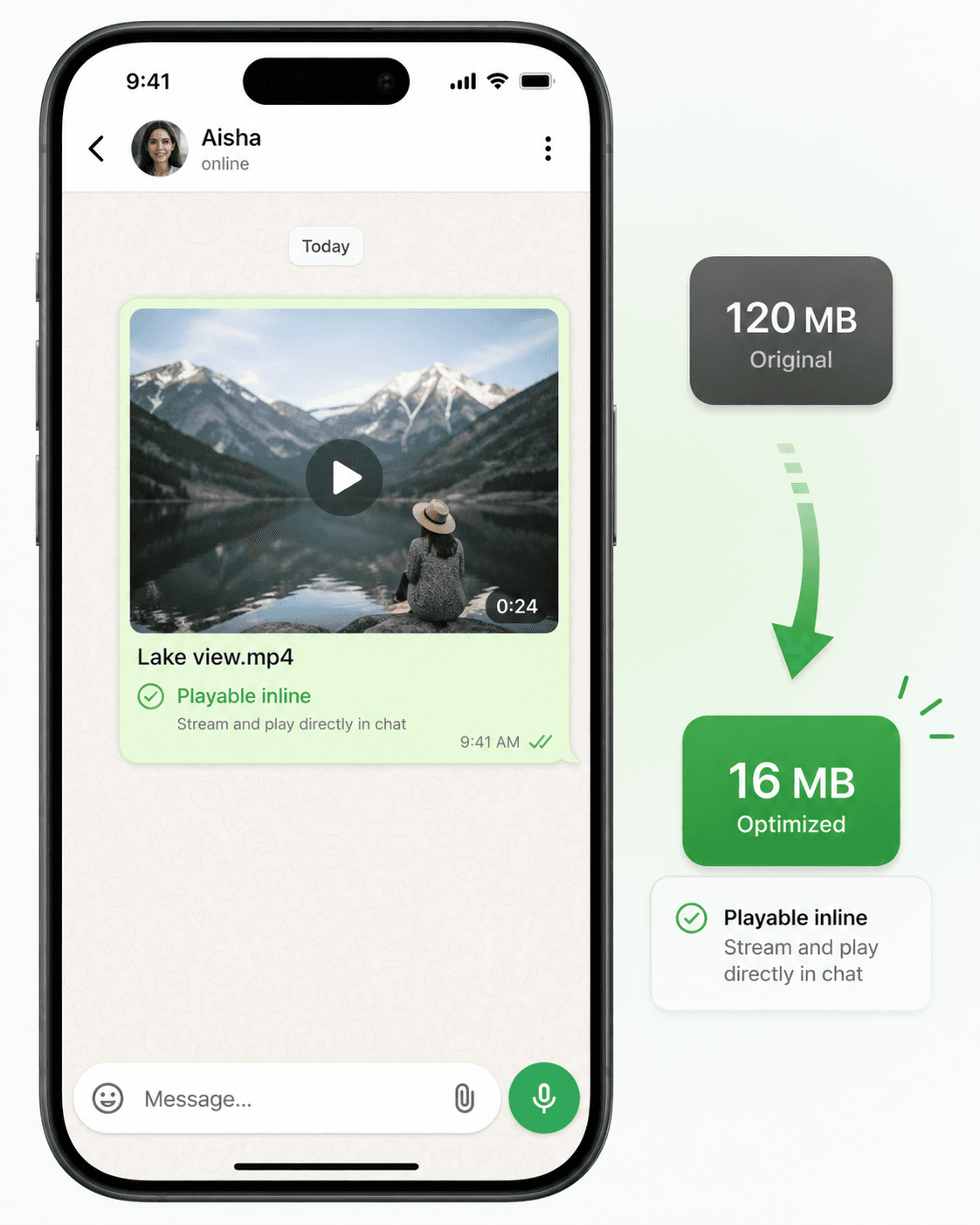
WhatsApp's 16MB video limit catches millions of people off guard every day. You record a perfect moment, go to send it, and WhatsApp either rejects it or automatically converts it to a document, which recipients have to manually download and can't preview inline.
Here's the thing: 16MB is actually a lot of storage for a well-compressed video. The problem is most phone cameras record at 4K or 1080p with very high bitrates, producing files that are 5-10× larger than they need to be.
Why WhatsApp Has a 16MB Limit
WhatsApp's 16MB limit exists for two reasons:
- 1Server storage costs: Billions of messages are sent daily. Keeping video files small reduces storage costs.
- 2Mobile data usage: WhatsApp is used heavily in countries with expensive mobile data. Small files protect users from accidentally burning through data allowances.
The Fastest Way to Compress Your Video
The fastest way is to use CompressYourVideo:
- 1Select WhatsApp as your platform
- 2Upload your video (up to 2GB)
- 3Download the compressed version
Our tool automatically calculates the optimal bitrate for your video's specific length and content, ensuring you get the highest possible quality within 16MB.
What Happens During Compression
When you compress a video for WhatsApp, we:
- Encode using H.264 (the most compatible codec for all phones)
- Calculate the optimal bitrate based on video duration and target size
- Scale resolution down if needed (typically 1080p → 720p for longer videos)
- Encode audio at 128kbps AAC, indistinguishable from higher bitrates on phone speakers
- Add faststart flag so the video starts playing before fully downloading
Tips for Better WhatsApp Videos
Record at 720p: Most people watch WhatsApp videos on phone screens, where 720p and 1080p look identical. Recording at 720p produces a file 2-3× smaller from the start.
Trim the footage: Every second of video takes up space. A tight 30-second clip compresses much better than a rambling 3-minute video.
Good lighting helps: Bright, well-lit footage has less "noise" and compresses more efficiently. Dark or grainy footage requires more data to look acceptable.
Send as Document for longer videos: If your video is over 3 minutes and quality matters, send it as a Document (up to 2GB) instead. Recipients tap to download rather than auto-play.
WhatsApp Video Compression Settings (For Manual Tools)
If you prefer to use HandBrake or another tool manually, use these settings:
- Container: MP4
- Video Codec: H.264
- Preset: Fast 720p30 (HandBrake preset)
- Constant Quality (RF): 28-32 for most content
- Audio: AAC 128kbps Stereo
- Target file size: 15MB (leaves a small margin under 16MB)
The "Constant Quality" approach is fine for videos under 3-4 minutes. For longer videos, use "Average Bitrate" mode and calculate the target bitrate yourself:
(15MB × 8192 - 128kbps × duration_seconds) / duration_seconds = target_video_kbps
Or just use CompressYourVideo and let the tool do the math automatically.