
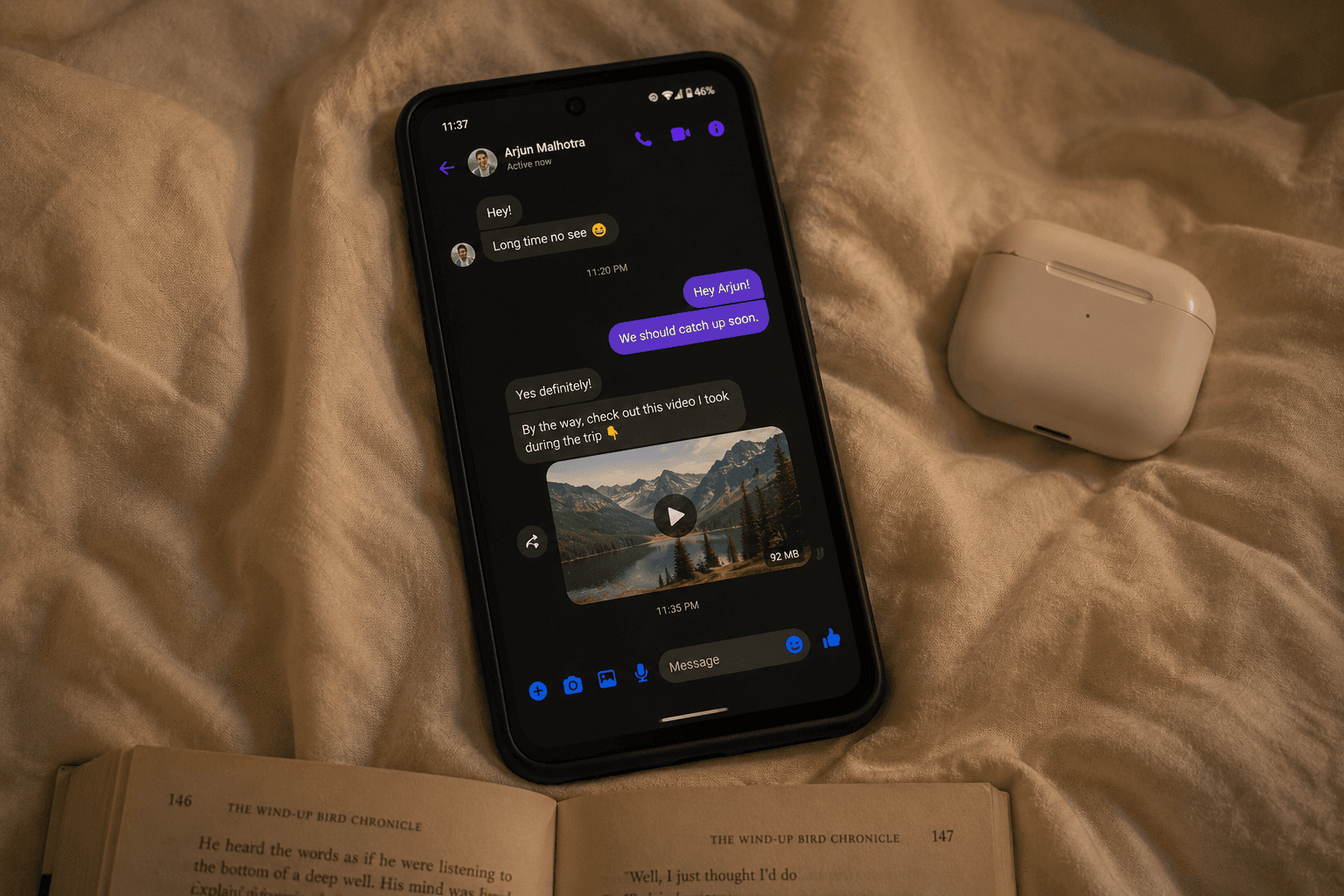
Facebook Messenger raised its video upload limit from 25 MB to 100 MB in April 2025, unifying what used to be a confusing mess of different limits per chat type. If you ran into the old "video is too long to send" error, this post explains the new ceiling and how to compress for it cleanly.
The Current Messenger Video Limit
100 MB per video, unified across all Messenger surfaces (one-on-one chats, group chats, Messenger web, and Messenger desktop) as of April 2025. This applies whether you're on iPhone, Android, web, or desktop.
The unification is welcome. Before the change, Messenger had three different limits depending on context, and Meta never published them clearly:
- One-on-one chats: ~25 MB
- Group chats: ~50 MB
- Messenger Lite: ~10 MB
Now it's a single 100 MB ceiling everywhere, which means most modern phone videos send without compression at all — a 1-minute 1080p phone clip is typically 80-150 MB, and now actually fits.
Stories Are Still a Separate Pipeline
Messenger Stories don't have a published file size limit, but they auto-recompress everything you upload before posting. The output is aggressively compressed regardless of source quality. Upload at 1080p and let Messenger's encoder do its thing — there's no benefit to over-uploading.
How to Compress for Messenger (Current Approach)
For most chats, target around 95 MB so you have a small safety margin under the 100 MB cap:
- 1Open CompressYourVideo
- 2Pick the 100 MB preset (it auto-targets 95 MB)
- 3Upload your video
- 4Download the compressed version
- 5Send via Messenger
The whole compression takes 15 to 30 seconds for a typical clip. Everything happens in your browser. Nothing uploads.
If you want to send a smaller file (slow connection, mobile data concerns, or you don't need the full quality), the 25 MB or 50 MB targets still work fine — Messenger accepts anything up to 100 MB.
When Compression Does Not Help
Sometimes the issue is not size:
Codec problems: Messenger handles H.264 well but struggles with H.265/HEVC and VP9. If your video came from a screen recorder or an unusual camera, it might be the codec. CompressYourVideo always outputs H.264, so this is solved automatically.
Aspect ratio: Messenger does not enforce aspect ratio but extreme ratios sometimes cause display issues. 16:9 (horizontal) and 9:16 (vertical) work universally.
Account-specific limits: If your account is new or has been flagged for spam in the past, file size limits are sometimes lowered as an anti-spam measure. There is no way to check this from the app. If you consistently fail at sizes that should work, this might be the cause.
Network failures: a perfectly compressed 95 MB video will still fail to upload on a flaky LTE connection. If you are getting "upload failed" errors, switch to wifi if possible or wait for a better signal.
When You Have Something Bigger Than 100 MB
The 100 MB cap is generous enough that most clips fit, but if you have a long recording (a 20-minute talk, a wedding video, a full match recording), 100 MB will require aggressive compression. Two cleaner alternatives:
- 1Send as a Story and tag the recipient — Stories don't enforce the chat file size in the same way and the recipient gets a notification. Downside: Stories are visible to everyone you've shared Stories with, and they disappear after 24 hours.
- 2Drop into Google Drive / Dropbox / WeTransfer and paste the link — better quality, no time limit. Downside: extra step for the recipient.
The Privacy Angle
If you are sending personal or family videos via Messenger, it is worth knowing that Meta retains video content on their servers for the duration of the conversation, plus a backup window. Messenger Direct does not have end-to-end encryption by default. You have to manually enable "Secret Conversations" for E2E messages, which is unlike WhatsApp where E2E is on by default.
If you want your video to NOT be readable by Meta: - Enable Secret Conversations in Messenger settings - Or use a different platform (Signal, WhatsApp, iMessage between iPhone users)
CompressYourVideo does not change this. We just compress the file. The file you send is just as exposed to Meta's servers as any other Messenger video. But by compressing locally before sending, you at least do not have the file sitting on a third-party compression server's logs too.
Quick Reference
| Context | Limit (2026) | Recommended target |
|---|---|---|
| Messenger chat (one-on-one or group) | 100 MB | 95 MB |
| Messenger web / desktop | 100 MB | 95 MB |
| Messenger Stories | No published limit (auto-recompressed) | Upload at 1080p, target 100 MB |
TL;DR
Facebook Messenger raised its video upload limit to 100 MB across all chat surfaces in April 2025 (up from the old fragmented 25 MB / 50 MB / 10 MB limits). Use the 100 MB preset on CompressYourVideo to fit cleanly with a safety margin. Everything runs in your browser, nothing uploads to a third-party server.