
Discord's file size limit is one of the most common frustrations for gamers sharing clips. You capture an epic moment, go to drop it in a server, and Discord tells you the file is too large. Here's everything you need to know, updated for Discord's August 2026 limit increase.
Discord's File Size Limits
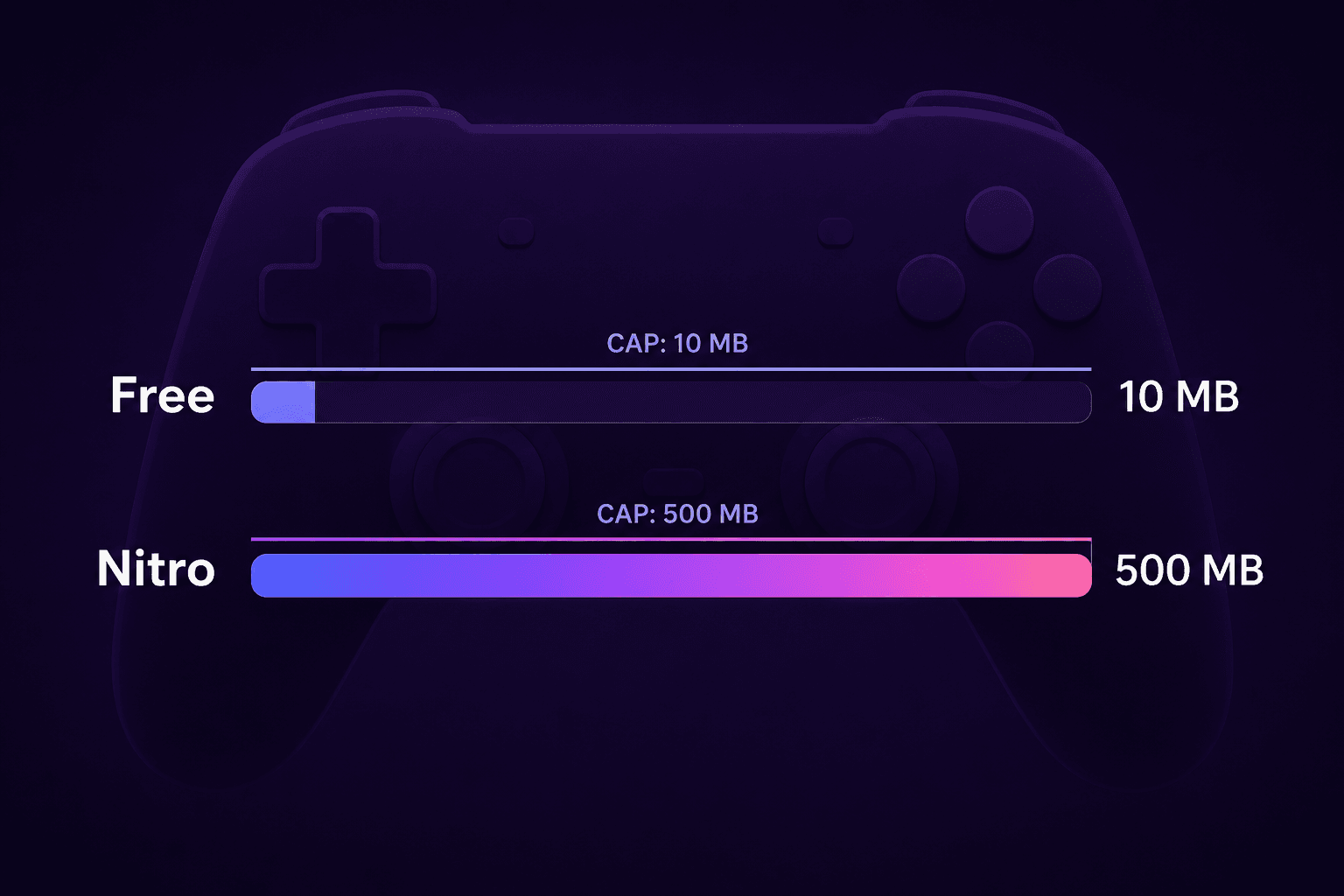
- Free accounts: 20MB per file (doubled from 10MB in August 2026, though still short of the 25MB free users had before the 2024 cut)
- Discord Nitro Basic: 50MB per file
- Discord Nitro: 500MB per file
These limits apply to all file types: videos, images, audio files, and other attachments. One more August 2026 change worth knowing: Discord's mobile apps now measure file size before compression, matching how desktop always worked, so a file that squeaked through on mobile before may now be rejected upfront.
How to Share a Gaming Clip Under 20MB
For clips under 60 seconds: 20MB is enough for genuinely good quality. A 30-second clip gets about 5Mbps of video bitrate, which supports clean 1080p. Even a full 60-second clip gets ~2.5Mbps, solid at 720p.
For longer clips: You'll need to either: 1. Trim to the best 30-60 seconds 2. Reduce resolution to 720p or 480p 3. Use a video hosting service (YouTube unlisted, Streamable, Imgur)
The math: 20MB = 160 megabits. Subtract ~8 megabits for 60 seconds of 128kbps audio. That leaves ~152 megabits for video over 60 seconds = 2.5Mbps video bitrate. At 720p that looks good; at 1080p it holds up for lower-motion content.
Should You Get Nitro for the File Size?
Nitro's 500MB limit is massive for gaming clips. Most clips you'd want to share are under 50MB anyway, so even Nitro Basic ($3/month) covers the vast majority of use cases. If you share long gameplay recordings regularly, Nitro is worth it.
But if you share clips occasionally, compress to 20MB and keep your money. The August 2026 doubling made the free tier genuinely usable for short 1080p clips.
Best Format for Discord
Always use MP4 with H.264. It plays inline in Discord's video player on all platforms: desktop, browser, Android, and iOS. WebM also works in the browser but may not play on mobile. MKV files won't play inline at all.
Tips for Gaming Clips
- 30fps is fine: Gaming clips often look better at a stable 30fps than variable 60fps with heavy compression artifacts
- Capture at 720p: If your capture card or OBS is set to 1080p, drop it to 720p, since you're often saving the clip for Discord, not archival purposes
- Cut ruthlessly: The 15 seconds where you pulled off the clutch is what people want to see, not the 3 minutes of warmup before it
- Use Discord's built-in GIF: Short moments (under 5 seconds) can be even more impactful as looping GIFs, and GIFs have no file type restrictions