
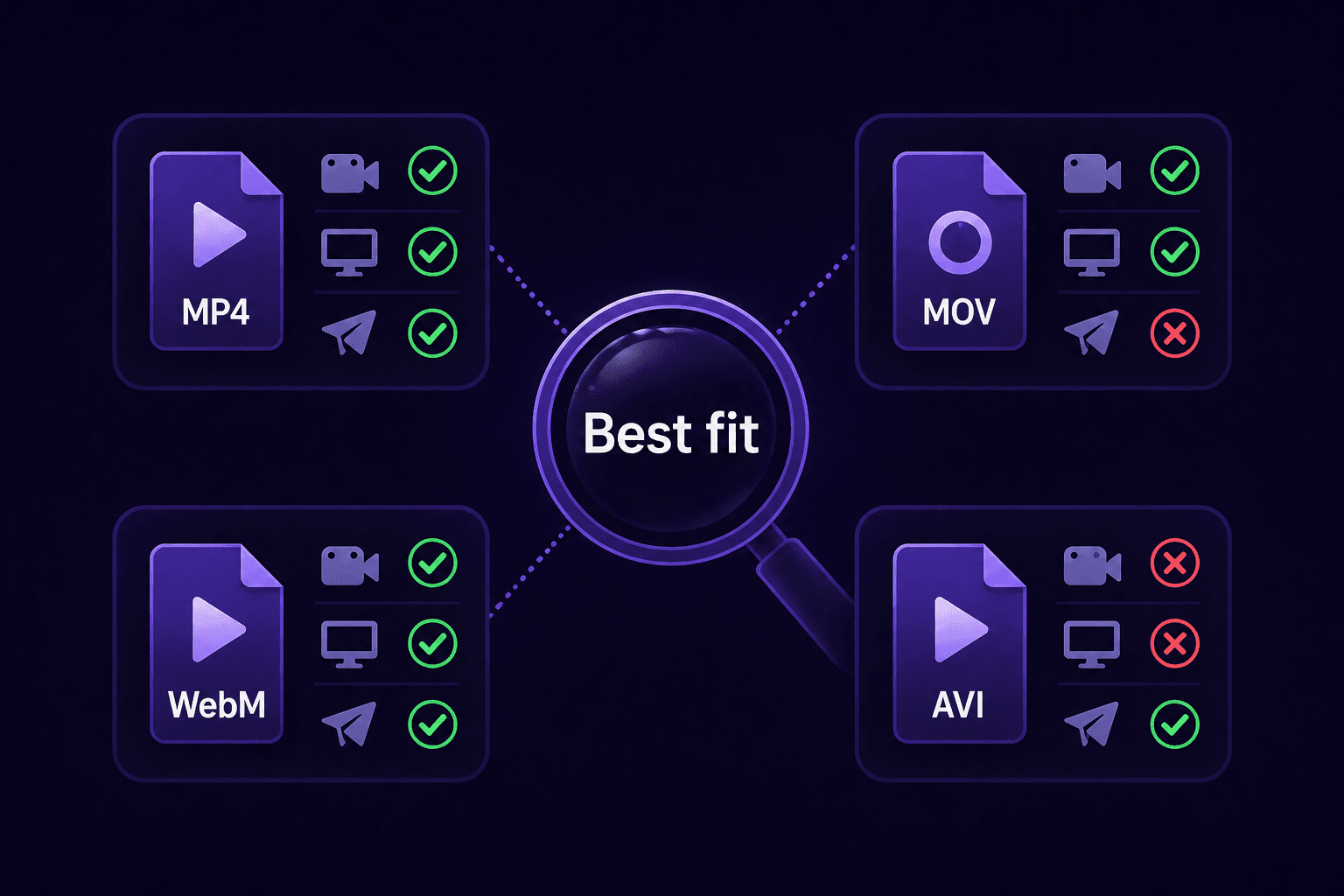
If you've ever tried to upload a video and gotten an error about format compatibility, you've run into this problem. Different platforms support different formats, and even when they technically accept your format, some formats produce better results than others.
The short answer: always use MP4 (H.264/AAC). But let's go deeper.
Why MP4 H.264 Is the Universal Answer
MP4 with H.264 video and AAC audio is: - Supported by every single platform without exception - Supported by every device (iPhone, Android, PC, Mac, TV) - The format all social platforms prefer for processing - The format that produces the best quality-to-size ratio for delivery
When in doubt, export as MP4 H.264. You will never be wrong.
Platform-Specific Recommendations
YouTube **Best format**: MP4 H.264 at native resolution (1080p, 4K, etc.) **Why**: YouTube accepts many formats but processes MP4 fastest. Upload at the highest quality you have. YouTube serves multiple quality options to viewers automatically.
Instagram Reels & TikTok **Best format**: MP4 H.264, vertical 9:16, 1080×1920 **Why**: Both platforms are built for vertical video. Horizontal content gets letterboxed. The 9:16 format fills the entire screen on mobile.
WhatsApp **Best format**: MP4 H.264, 720p max, under 16MB **Why**: Universal mobile compatibility. WhatsApp re-encodes everything anyway, so start with a well-compressed MP4.
Discord **Best format**: MP4 H.264, 720p or short-clip 1080p, under 20MB **Why**: Plays inline in Discord's player on all platforms without requiring a click.
Gmail / Email **Best format**: MP4 H.264, 720p, under 25MB **Why**: Most email clients can display inline MP4 previews. Under 25MB attaches directly without becoming a Drive link.
Formats to Avoid
AVI: Massive file sizes with no compatibility advantage. Always convert to MP4.
WMV: Windows-only format. No social platform accepts it directly. Convert to MP4.
FLV: Flash video, completely obsolete since Flash died in 2020. Must convert to MP4.
MOV: High quality but large files. Great for editing, bad for sharing. Convert to MP4 before uploading.
MKV: Excellent for storage (supports multiple audio tracks, subtitles), terrible for sharing. No social platform handles MKV well. Convert to MP4.
Converting Any Format to MP4
Use CompressYourVideo. It accepts all these formats and outputs MP4 H.264 optimized for whichever platform you're targeting. Upload your MOV, AVI, or WMV file, pick your platform, and download the properly formatted MP4.
Or use HandBrake (free, desktop app) for manual control over encoding settings.