
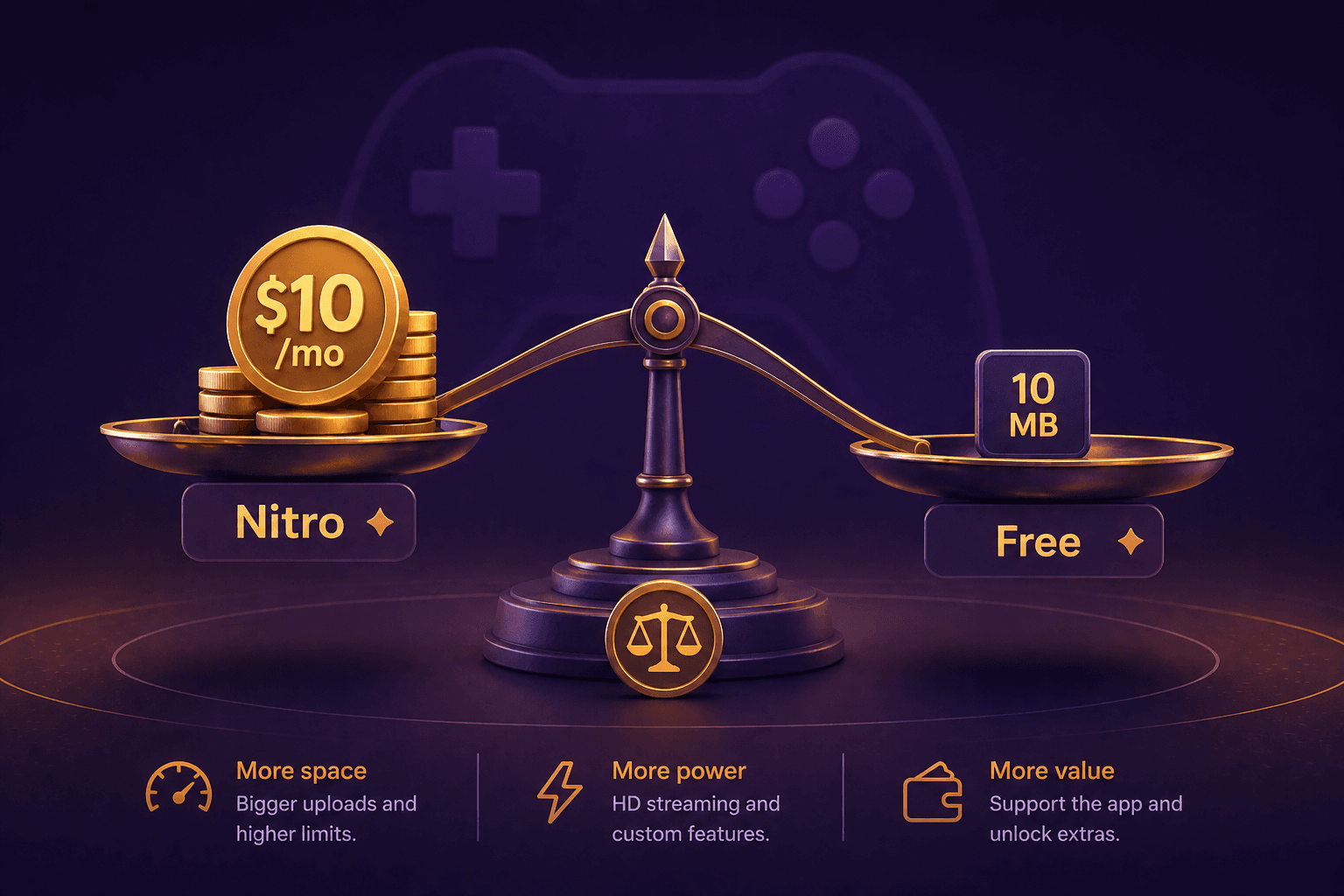
Discord's free file size limit is 20MB per upload, doubled from 10MB in August 2026. Nitro Basic raises it to 50MB. Full Nitro raises it to 500MB. Whether the upgrade is worth paying for depends entirely on how often you share video clips and how long they are. For most casual users, compressing to 20MB is good enough, and the August increase made the free tier meaningfully more usable.
Discord's File Size Limits (updated September 2026)
- Free: 20MB per file (doubled from 10MB in August 2026)
- Nitro Basic: 50MB per file ($2.99/month)
- Nitro: 500MB per file ($9.99/month)
These limits apply to all file types and are enforced per file, not per message. Since August 2026, Discord's mobile apps also measure file size before compression, matching desktop behavior.
What You Can Fit in 20MB
- 10 seconds at 20MB: ~15Mbps video bitrate. Pristine 1080p60.
- 15 seconds at 20MB: ~10Mbps. Excellent 1080p quality.
- 30 seconds at 20MB: ~5Mbps. Very good 1080p quality. The sweet spot for gaming highlights.
- 1 minute at 20MB: ~2.5Mbps. Good 720p quality, decent 1080p for slower content.
- 2 minutes at 20MB: ~1.2Mbps. Watchable at 720p, but noticeably compressed.
- 4 minutes at 20MB: ~0.6Mbps. Poor quality. Not recommended.
The practical limit for free Discord: keep clips under 60 seconds for decent quality. Under 30 seconds for genuinely good 1080p.
The Free Alternative: Compress Before Uploading
If you do not want to pay for Nitro, compressing your clips to 20MB is the free solution. CompressYourVideo has a Discord preset that targets 19MB (1MB safety margin).
- 1Go to CompressYourVideo.com (or use the Android app)
- 2Select Discord as your platform
- 3Upload your gaming clip
- 4Download the compressed version
For clips under 40 seconds, the result looks great. For clips between 40 and 90 seconds, the result is watchable.
When Nitro Makes Sense
You Share Clips Frequently
If you drop gaming highlights into servers multiple times a week, compressing every clip gets tedious. Nitro Basic at $2.99/month eliminates that friction. At 50MB per file, you can share 60-second 1080p clips without touching a compressor.
You Need Higher Quality
Some content still does not compress well to 20MB. Fast-paced gaming footage (Apex Legends, Valorant, Rocket League) has enormous frame-to-frame changes that eat through bitrate. A 30-second Valorant clip at 20MB gets 5Mbps and will show some blocking during heavy gunfights. At 50MB, the same clip gets 12.5Mbps and looks clean.
You Stream or Create Content
If you run a Discord server where you share stream clips, Nitro's 500MB limit lets you share high-quality footage without any compression.
Server Boosts
Nitro includes 2 server boosts ($4.99/month each if purchased separately). If you are already boosting a server, Nitro's total value improves significantly.
Quality Comparison: 20MB vs. 50MB
For a 30-second 1080p gaming clip:
- At 20MB (Free): ~5Mbps video bitrate. Very good 1080p, slightly soft only during the fastest action.
- At 50MB (Nitro Basic): ~12.5Mbps video bitrate. 1080p, clean and sharp. Nearly indistinguishable from the original.
- At 500MB (Nitro): The full original file. No compression needed.
The gap between free and Nitro Basic narrowed considerably with the August 2026 increase. For most 30-second clips, 5Mbps at 1080p is genuinely presentable; Nitro Basic now mostly buys you headroom for longer clips and the fastest-motion games.
Other Ways to Share Large Clips on Discord
If you do not want Nitro but 20MB is not enough:
- Streamable: Upload your clip (free, 250MB limit, 720p) and paste the link. Discord embeds it with an inline player.
- [YouTube](/youtube-shorts) (Unlisted): Upload as unlisted and share the link. Full quality, no size limit.
- Medal.tv: A gaming clip platform that integrates with Discord.
- Imgur: Supports video up to 60 seconds. Good for short clips and GIFs.
The Verdict
Get Nitro Basic ($2.99/month) if: you share clips more than twice a week, you play fast-paced games where quality matters, or compressing every clip feels tedious.
Stay on Free if: you share clips occasionally, your clips are under 40 seconds, or you do not mind spending 30 seconds compressing each one.
Get full Nitro ($9.99/month) if: you already want the other Nitro perks (server boosts, custom emoji, streaming quality), and the 500MB limit is a bonus.
For most people, Nitro Basic plus a free compressor like CompressYourVideo for the occasional longer clip is the best value.