
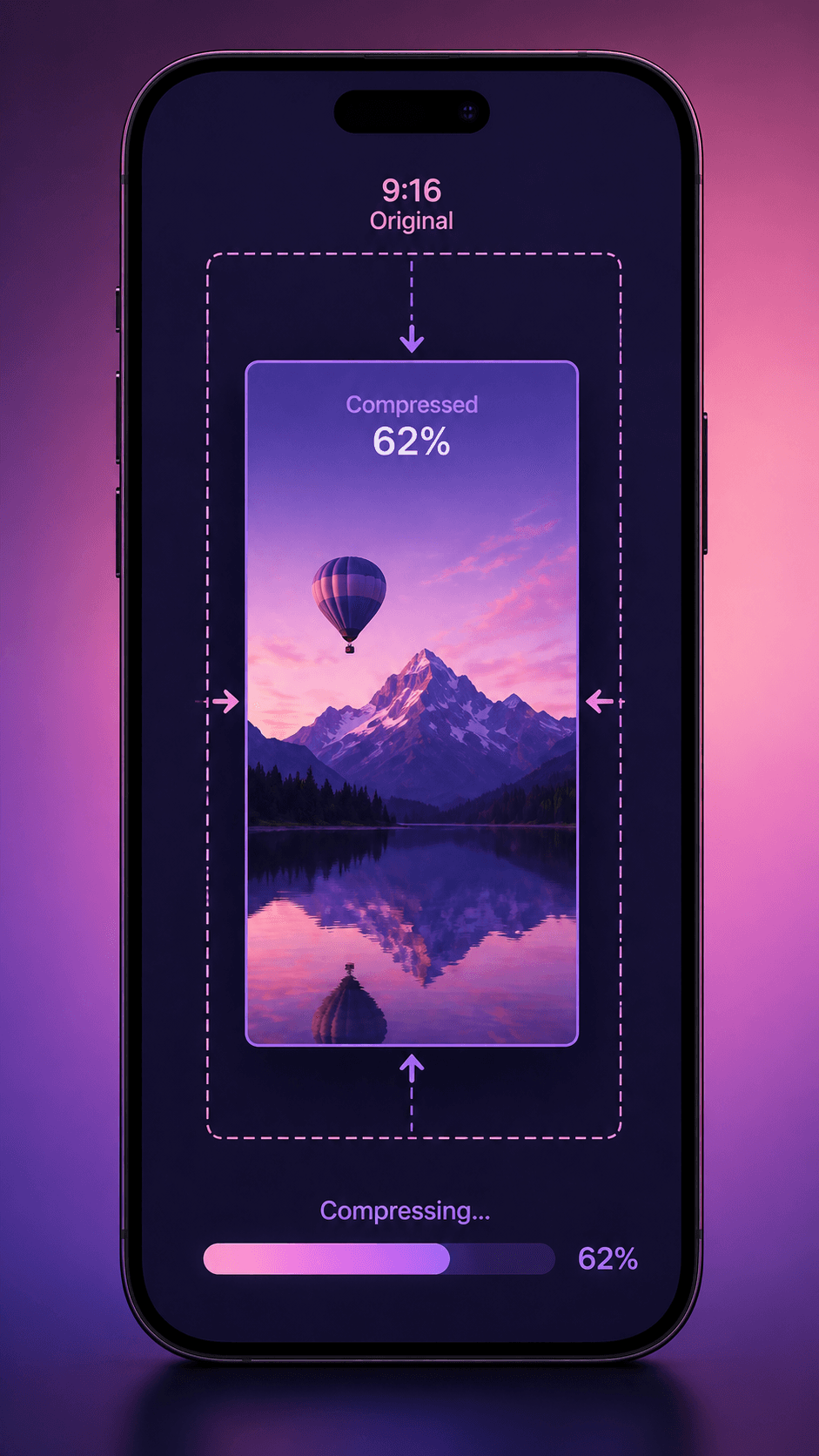
You just recorded an amazing moment on your phone. You want to share it on WhatsApp Status or post it as an Instagram Reel. But the file is 150 MB and WhatsApp rejects it. Instagram takes forever to upload and then destroys the quality.
Here's how to fix both problems in under 30 seconds using the CompressYourVideo app on your Android phone.
WhatsApp Status: The 16 MB Problem
WhatsApp Status videos are limited to 16 MB. A typical 30-second phone video recorded at 1080p is around 50-80 MB. That's 3-5x over the limit.
What happens when WhatsApp compresses it for you: WhatsApp's built-in compression is aggressive and uncontrollable. It often drops to 480p resolution with heavy blocking artifacts. The result looks significantly worse than what you could achieve with smart compression.
What happens when you compress first: The CompressYourVideo app calculates the exact bitrate needed to hit 15 MB (1 MB safety margin), then encodes at the highest quality that fits. For a 30-second clip, that's typically 720p at ~4 Mbps, which looks crisp on phone screens.
Steps for WhatsApp Status
- 1Open CompressYourVideo app
- 2Tap "WhatsApp" from the platform presets
- 3Select your video
- 4Choose "Balanced" quality (recommended)
- 5Tap Compress
- 6Open WhatsApp, go to Status, and share the compressed video
The compression takes 5-15 seconds for a typical 30-second clip using your phone's hardware encoder. No internet needed.
Instagram Reels: Quality vs. Upload Speed
Instagram Reels accepts videos up to 4 GB, but there are practical problems with large files:
- Upload time: A 200 MB video on mobile data takes minutes to upload
- Instagram re-encoding: Instagram re-encodes everything you upload anyway, so uploading a 200 MB file when Instagram will compress it to ~30 MB is wasteful
- Quality paradox: Uploading a pre-compressed 50 MB file often results in BETTER final quality than uploading a 200 MB file, because Instagram's encoder handles a well-compressed input more gracefully
Steps for Instagram Reels
- 1Open CompressYourVideo app
- 2Tap "Instagram" from the platform presets
- 3Select your video
- 4The app suggests ~500 MB target, but you can slide down to 50-100 MB for faster uploads
- 5Tap Compress
- 6Post to Instagram Reels
Pro tip: For Reels under 60 seconds, compress to 50 MB. For longer Reels (up to 90 seconds), use 80-100 MB. This gives Instagram enough quality to work with while keeping upload times short.
Quick Tips for Both Platforms
Trim before compressing: Both WhatsApp Status and Instagram Reels have time limits (30 seconds for WhatsApp Status, 90 seconds for Reels). Use the app's built-in trim tool to cut your video to the exact segment you want. Shorter videos compress better at any given file size.
Use the "Balanced" preset: The app offers three quality levels. "Balanced" hits the sweet spot for social media. "Small File" is for when you need the absolute smallest size (e.g., very long WhatsApp Status). "Best Quality" uses the full platform limit.
Check the estimate first: Before compressing, the app shows you the estimated output size and savings percentage. If the estimate shows less than 20% savings, your video might already be small enough to send without compression.
Portrait mode matters: If you recorded in portrait (9:16), the app preserves that orientation automatically. No need to rotate or crop manually. Both WhatsApp Status and Instagram Reels prefer vertical video.
Why Compress on Your Phone Instead of Online?
Three reasons:
- 1Speed: On-device compression with hardware acceleration is typically faster than uploading to a server, waiting for compression, and downloading the result. Especially on mobile data.
- 1Privacy: Your video stays on your phone. No server, no cloud, no "deleted after 1 hour" promises needed. It never leaves your device.
- 1Works anywhere: No internet needed. Compress videos on a plane, in a subway, or in a country with slow mobile data. The app works completely offline.
The CompressYourVideo app is free on the Google Play Store. No ads, no signup, no internet permission.