
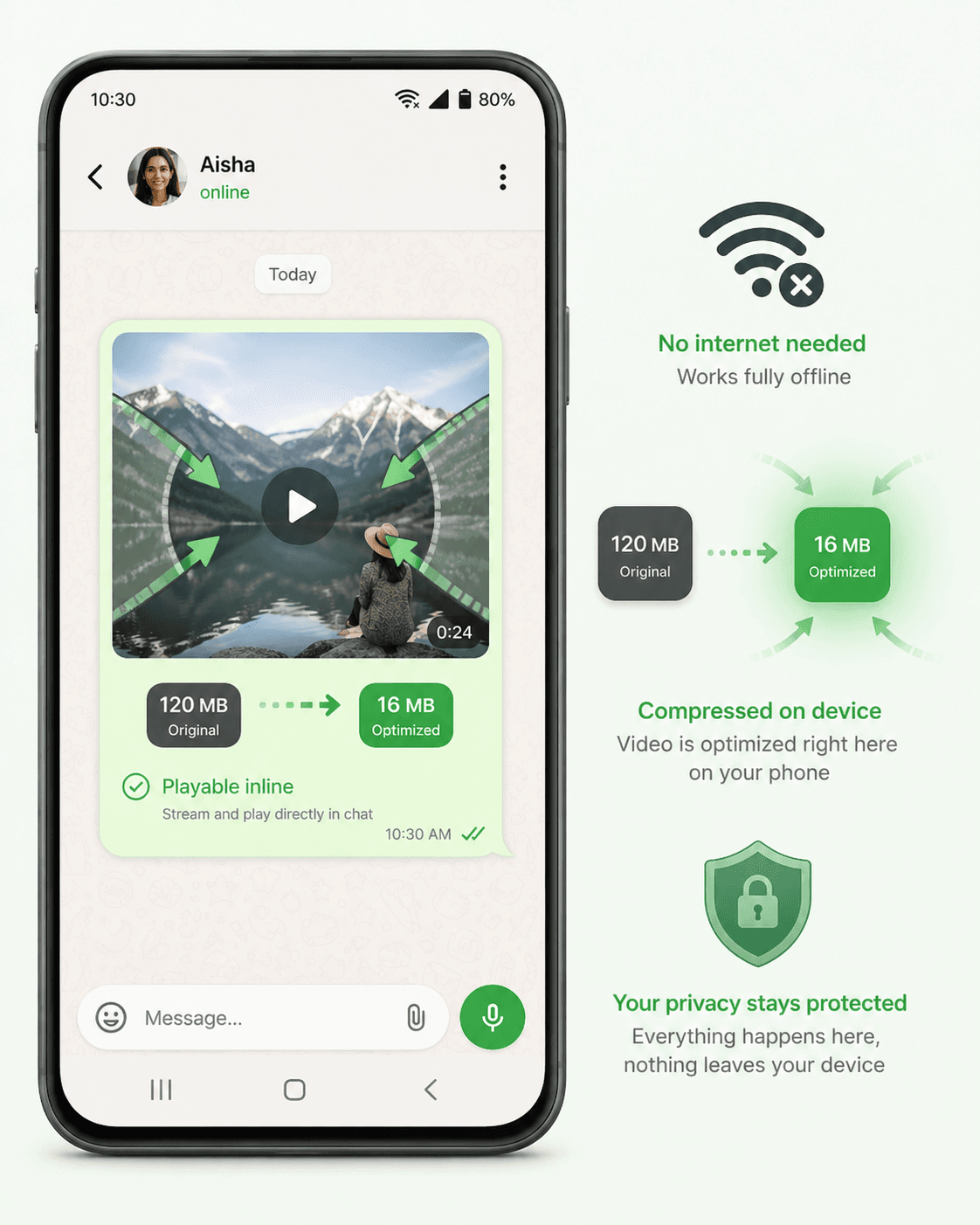
Most video compression apps upload your video to a remote server, compress it there, and send it back. That means your personal videos travel through the internet, sit on someone else's server, and you have no real guarantee they're deleted afterward.
The CompressYourVideo Android app takes a completely different approach: everything happens on your phone. No internet. No upload. No server. Your video never leaves your device.
How It Works
The app uses your phone's built-in hardware video encoder (the same chip that records video from your camera) to re-encode your video at a lower bitrate. This is the same technology used by Google Photos, Instagram, and TikTok for on-device video processing.
Here's what happens when you compress a video:
- 1You pick a video from your gallery
- 2Choose a platform (WhatsApp, Discord, Instagram, etc.) or set a custom target size
- 3The app calculates the optimal bitrate and resolution
- 4Your phone's hardware encoder compresses the video
- 5The compressed video is saved to your chosen location
The entire process runs on your device's GPU, which means it's fast (typically 2-5x realtime for 1080p) and energy-efficient.
Why No Internet Permission?
The app literally does not have the INTERNET permission in its Android manifest. This isn't a policy decision that could be changed with a server-side toggle. It's a hard technical constraint baked into the APK. Android enforces this at the OS level.
This means the app is physically unable to:
- Upload your videos anywhere
- Send analytics or telemetry
- Show ads (ads require internet)
- Track your usage
- Phone home to any server
You can verify this yourself in Android Settings, then Apps, then CompressYourVideo, then Permissions. You'll see no network permission listed.
Compression Quality
The app uses a multi-layered compression engine that adapts to your device's capabilities. It automatically detects the best encoding path for each video and device combination, ensuring you get the highest quality output regardless of your phone model.
On newer devices, the app takes advantage of modern encoding standards that produce files 40-50% smaller at the same visual quality. On older devices, it gracefully falls back to widely compatible encoding without you having to configure anything.
Platform Presets
The app includes optimized presets for 11 platforms:
- WhatsApp: 15 MB target, 720p max
- Discord: 9 MB target, 720p max
- Email/[Gmail](/email): 24 MB target, 720p max
- Instagram Reels: 500 MB target, 1080p
- TikTok: 65 MB target (Android upload limit)
- [YouTube](/youtube-shorts) Shorts: 200 MB target
- [Facebook](/facebook): 1 GB target
- X ([Twitter](/twitter)): 500 MB target
- [LinkedIn](/linkedin): 1 GB target
- [Telegram](/telegram): 1.9 GB target
- Instagram Story: 100 MB target
Each preset automatically calculates the right bitrate, resolution, and audio settings for the target platform.
Features Beyond Compression
The app also includes:
- Trim: Cut your video to the exact segment you want before compressing
- Batch compression: Compress multiple videos with the same settings
- Custom size: Set any target in MB with a slider
- Quality presets: Small File, Balanced, or Best Quality
- Advanced controls: Frame rate, bitrate, resolution, audio volume, aspect ratio
- Comparison view: Side-by-side before/after playback
- History: View all previously compressed videos
Download
The CompressYourVideo app is available on the Google Play Store. It's free, has no ads, no signup, and no internet access. Just download it, pick a video, and compress.